Perla › Free tools › Vision board maker
Free tool · No sign-up · Nothing leaves your deviceFree vision board maker — create & download
Upload your photos, arrange, rotate and layer them, add words in beautiful fonts, and download your board as an image — phone wallpaper, square, or desktop. Free, in your browser, and your photos never leave your device.
Drag to move · corner handle to resize · select for fonts, rotation & layers.
Everything happens in your browser — photos are never uploaded anywhere. Tip: arrow keys nudge the selected piece.
How do you make a vision board online?
- Collect 5–10 specific images. The actual street, the actual desk, the actual sea — specific scenes beat generic luxury stock, for the same reason specificity matters in the rest of your manifestation practice.
- Compose it here. Drag to place, resize from the corner, rotate for that collage feel, layer pieces forward and back, choose photo shapes. Add words in a font that sounds like the words — elegant, clean, handwritten, or classic — in the color that fits your background (need a line? generate an affirmation).
- Pick the size for its life. Phone (1080×1920) if it's going on your lock screen — the highest-traffic wall you own. Square for printing or sharing. Desktop for your work monitor.
- Download it and install it in your day. A vision board in a folder is decoration; one you see thirty times a day is practice.
Want your board alive — with videos?
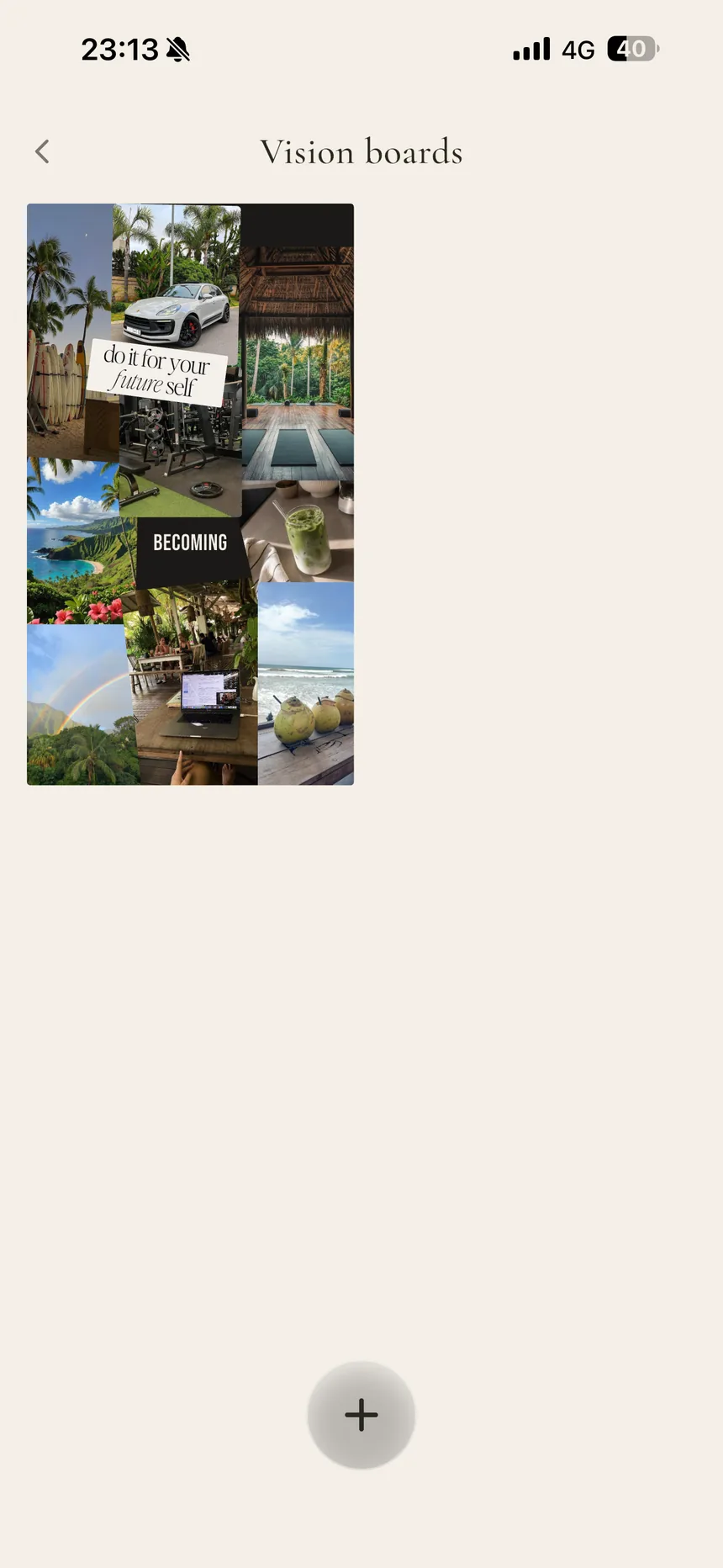
A PNG can't hold motion. Inside Perla's vision board, your board can — it takes photos and videos, imports images straight from Pinterest, and even plays your board as a slideshow, piece by piece, over a background you choose. It also lives next to the rest of your ritual: the same life described by your board is narrated in your manifestation audio and echoed in your daily affirmations.
Frequently asked questions
Is this vision board maker really free?
Yes — free, no sign-up, no watermark. It runs entirely in your browser: your photos never leave your device, because there's no upload to any server.
Can I download my vision board?
Yes. Choose phone (1080×1920), square (1080×1080), or desktop (1920×1080) and download your board as a PNG — then set it as your wallpaper or lock screen.
Can I change fonts, colors, and rotation?
Yes. Text comes in four fonts (elegant serif, clean sans, handwritten, classic serif) with five colors and left/center alignment. Any element can be rotated, resized, layered forward or back, and duplicated.
Can I put videos on my vision board?
Not in a downloadable image — a PNG can't hold motion. If you want a living board with videos, that's exactly what the vision board inside the Perla app does.
What should I put on a vision board?
Specific scenes over generic luxury: the actual street, the actual desk, words that sound like you. Five images you feel beat fifty you scrolled past.
Your board, but alive
Photos and videos, beside the audio and affirmations describing the same life — the full vision board lives in Perla.