Perla › Vision board
Feature · See it dailyA vision board that lives where you practice
Perla's vision board holds your photos and videos — arranged your way, sized your way, and downloadable so your dream life looks back at you from your lock screen. And unlike a standalone vision board app, it sits inside the same ritual as your manifestation audio and affirmations.
- Import photos and videos, pull images straight from Pinterest, add text and elements — arrange everything freely.
- Pick a format for its life — Story, Portrait, Square, Landscape, or Wallpaper — on a background color or template of your choice.
- Press play and your board becomes a slideshow — each piece of your future, full screen, one by one.
- It's one room of the Perla house, not a separate app — your board, audio, and affirmations describe the same life.
What can you put on a Perla vision board?
Almost anything that means the goal to you. Photos from your camera roll, images pulled straight from Pinterest without leaving the app, and — the part most vision board apps skip — videos. A vision board with motion hits different: the sea you want to live near actually moves. Drag pieces anywhere, resize them, and write text directly on the board — a date, a phrase from your affirmations, a name for the chapter.
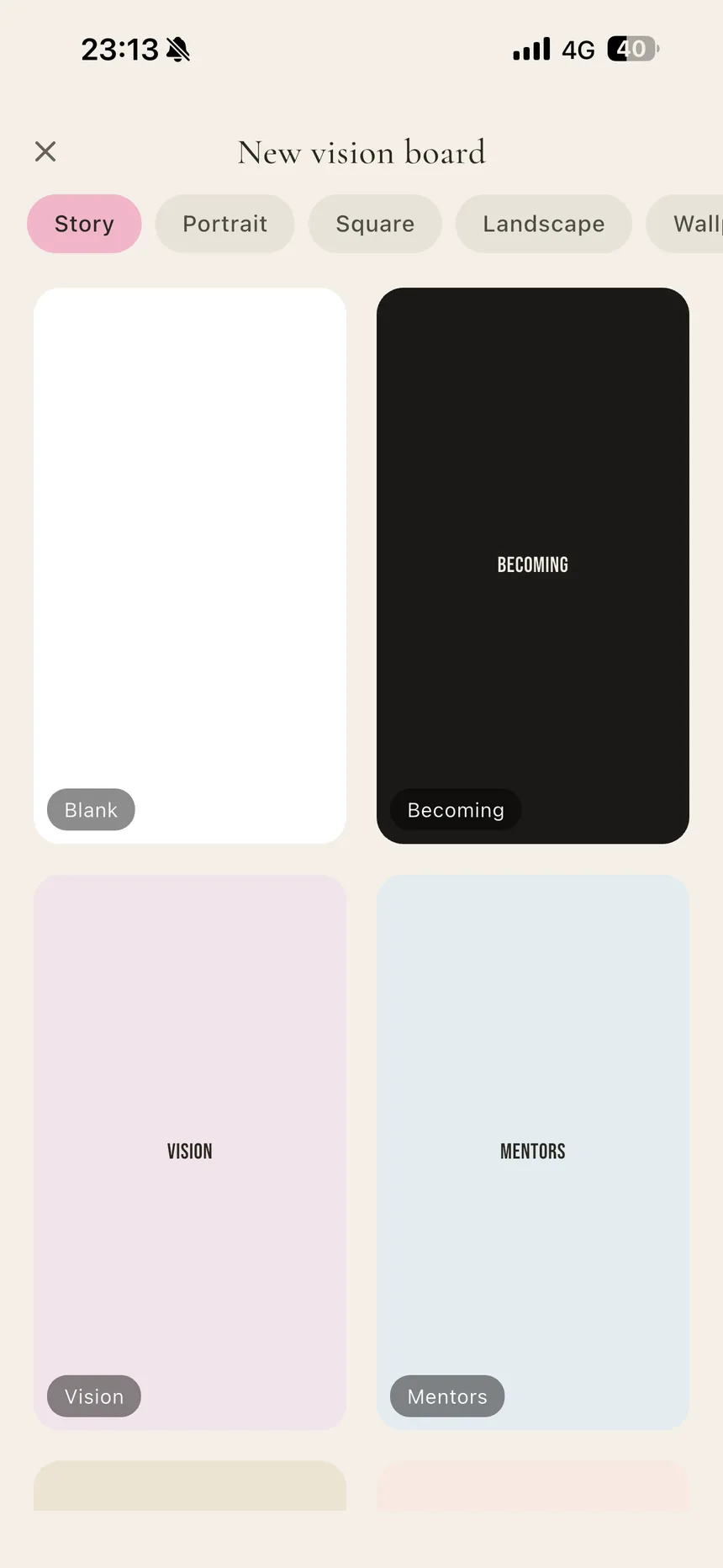
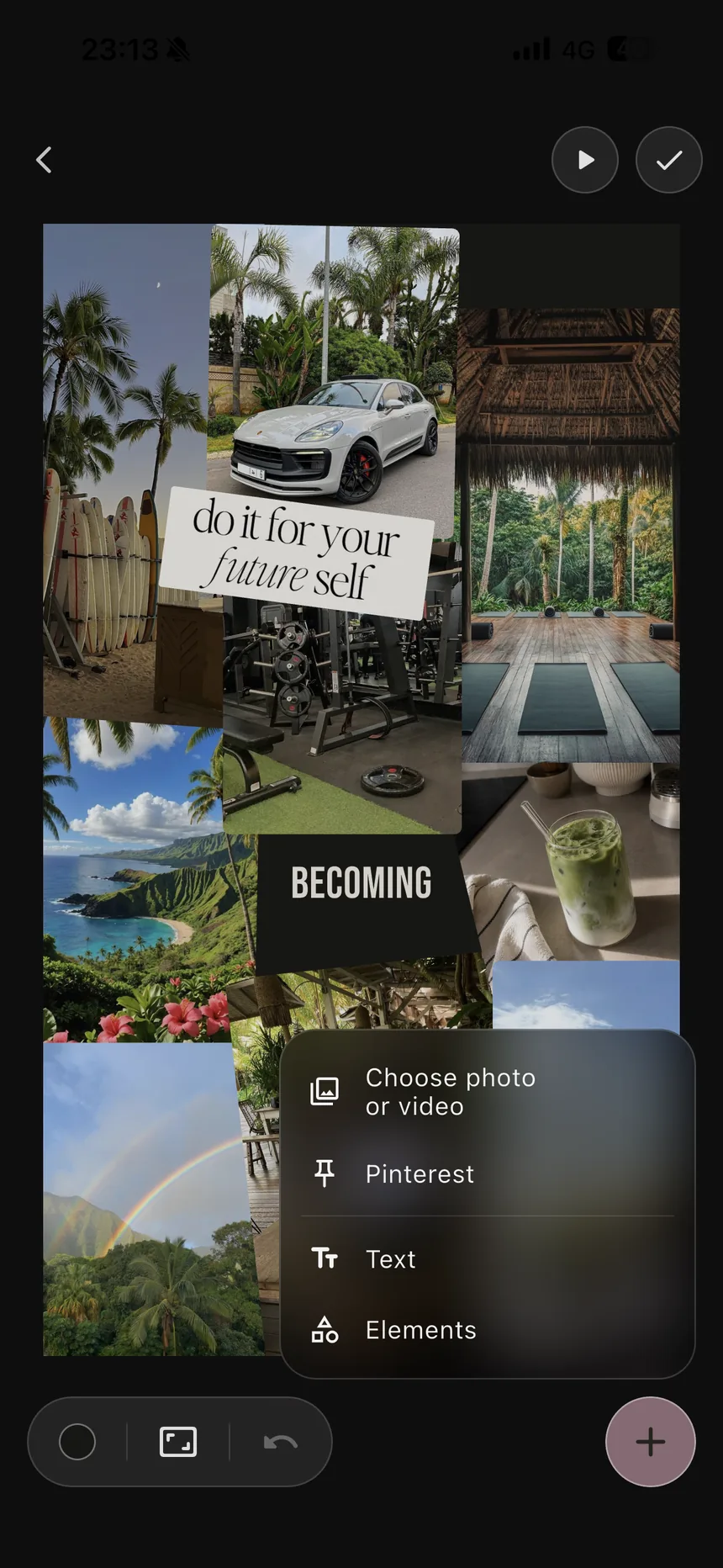
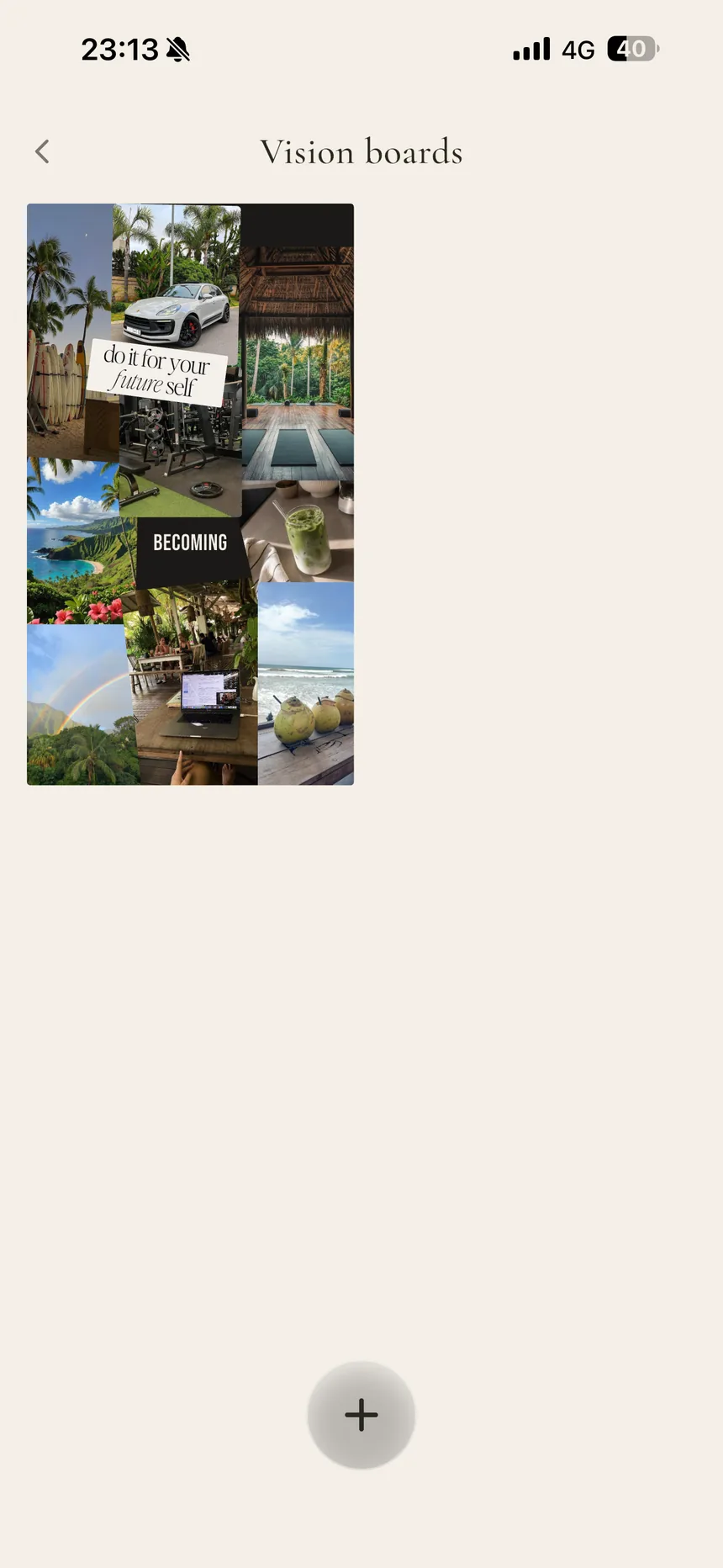
And then the part that's genuinely rare: press play. Perla turns your board into a slideshow — every image and video full screen, one by one, over your chosen background. Two minutes of watching your own future parade past is a visualization session disguised as a screensaver.
How do you make a vision board that actually gets seen?
The short version below — the full method, with 30 image ideas by life area, is in our guide: how to make a vision board that actually works.
- Collect with intention. Five images you feel beat fifty you scrolled past. Specific scenes outperform generic luxury stock — this is the same specificity rule as the rest of your manifestation practice.
- Compose it. Arrange, resize, layer, caption. The making is itself a visualization session — don't rush it.
- Put it where your eyes already go. Pick a size, download the board, set it as your wallpaper or lock screen. A vision board in a drawer is decoration; one you see thirty times a day is practice.
- Rebuild it when it stops registering. When you scroll past your own board without seeing it, it's wallpaper in the bad sense — refresh the images, reorder the story.
Do vision boards work?
Not as magnets — as attention anchors. A board doesn't attract anything by existing; what it does, seen daily, is keep your goals loaded in working attention, which changes what you notice and what you act on. That's the honest mechanism behind the whole practice (we lay it out in our 5-step guide), and it's why the download-and-set-as-wallpaper step matters more than any aesthetic choice on the board.
Frequently asked questions
Can I add videos to my vision board?
Yes. Perla's board takes both photos and videos, so it can hold moving moments — a place you filmed, a feeling in motion — not just stills.
Can I add images from Pinterest?
Yes — Pinterest import is built into the board editor. Pull the images you've been pinning straight onto your board without leaving the app, alongside your own photos, videos, text, and elements.
Can I download my vision board?
Yes. Pick a size, arrange your board, and download it — most people set it as their phone wallpaper or lock screen so it's seen many times a day, which is the whole point.
Do vision boards actually work?
A vision board works as an attention tool, not a magnet. Seeing concrete images of your goals daily keeps them loaded in your mind, which changes what you notice and act on. Pair it with a daily practice and one aligned action a day.
Build the board. Then live toward it.
Your vision board, manifestation audio, and affirmations — one app, one life they all describe.